
Phone calls
Your customers pick up with confidence
Numbers can be spoofed and voices can be cloned. ID-Truster moves trust from the number to a verified company identity, confirmed in the app.
End-to-end verified with Ed25519 signatures
Phone calls
Calls that prove it is you
Your customers no longer have to guess when the phone rings. ID-Truster confirms the call in the free app, both when you call your customer and when your customer calls you.
The app checks your company’s digital signature before a call is shown as verified. Every company in ID-Truster is verified before it can call anyone, so the checkmark actually means something.
Integration
Your phone system stays
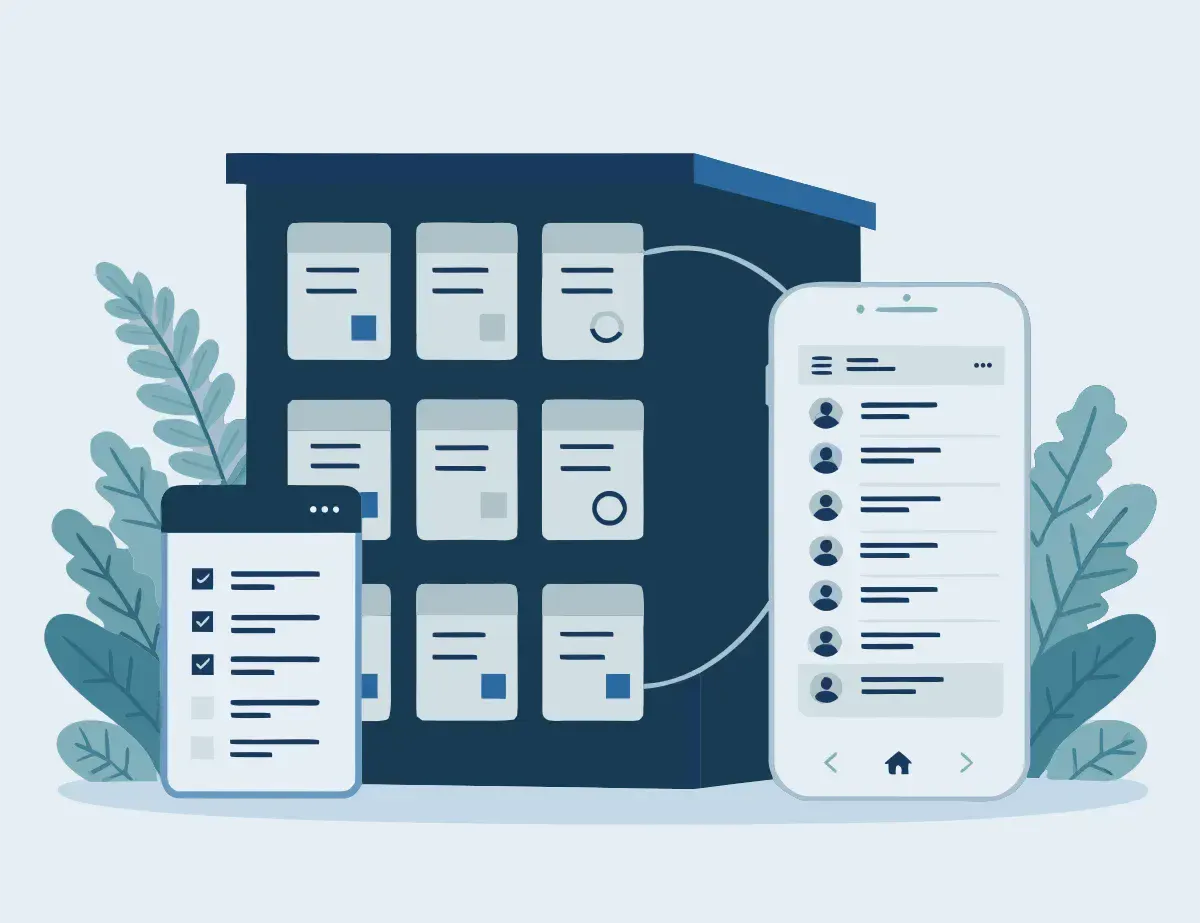
You keep your phones, your phone setup, and your CRM. Your employees call the way they do today. ID-Truster is a layer on top, started from your own systems through our API, with one click in your CRM.
Every push is signed by your company. The app checks the signature against the public key you publish in DNS on your own domain, so a breach at ID-Truster alone cannot fake your calls.
How it works
Two ways to verify a call
ID-Truster confirms the call at the moment it matters. Your customer only needs the free app.
A heads-up before you call
Right before the call, your employee clicks a button in your CRM. Your customer gets a push notification in the app, linked to their phone number, and sees that your company is about to call. They can pick up prepared, or decline if they are busy. Your CRM shows the answer right away, so your employee knows whether to call now or later.
When your customer calls you
A customer calls, and you want to be sure it really is them. Your employee finds the customer in your CRM and clicks a button. The push goes to the ID-Truster user with the phone number you have on file for that customer, and they confirm the call in the app. Your CRM shows the answer right away. If the customer declines, you know something is wrong.
Each check takes a few seconds.
Questions about verified calls
What do our customers need?
The free ID-Truster app, set up with the phone number you call. A customer can add more than one phone number to the app.
Do we need a new phone system?
No. Your employees call the way they do today. ID-Truster is started from your CRM or your own system through our API.
Can someone fake a heads-up from our company?
No. Every push is signed end to end with an Ed25519 key that only your company holds, and the app checks the signature against the public key in your DNS. Only verified companies can send anything through ID-Truster.
What if the customer is busy?
They can decline the heads-up in the app, and you can call at a better time.
Does it work with other companies too?
Yes. The person you call can be a consumer or an employee at another company. It also works inside your own company, across offices and subsidiaries.
What do we need to set up?
We are writing the documentation on how to use ID-Truster right now. All integration happens through API calls. When you get started, you create the keys you need, including a public key in a TXT record in your DNS. Then you connect ID-Truster to your CRM or your own system, again through our APIs.
We are looking for pilot customers for our business solution
ID-Truster connects to your CRM and newsletter system. When you call customers or partners, they get a message on their phone showing that the call comes from you. And with a trust code in your emails, recipients can easily verify that the sender really is your company.
Want to help shape the solution as a pilot customer or development partner?
Write to us.
info@idtruster.com